
HeadBanger - controlling software with head motion
How can we enable somebody to control software with their head? Traditionally we would set up physical buttons or attach sensors to a helmet. Both of these solutions have their issues, so I was asked if it would be possible to set up a ‘virtual’ system.
The aim is to make controllers to allows the students at Beaumont College to operate their Grid software or to activate one of the many network enabled devices they have - such as lamps using head gesture. Many use physical head switches, but fatigue leads to user dissatisfaction. Head gesture recognition is another tool in bag to enable interaction for people with mobility issues.
I got this running using two technologies - webcams and depth cameras. Webcams we all know about. Every time you turn around, somebody is waving one around on their mobile. Depth cameras are the kind of technology used in the Microsoft Kinect XBox game controller and provide more of a 3D image. I used two type of depth camera (never do once what you can do twice with twice the effort) - the Microsoft Kinect and the Asus Xtion Pro. The Kinect allows for an individual to be selected from a group - for instance where somebody can approach a TV to operate it and other people farther away are filtered out. The long term goal is to enable gesture recognition with other parts of the body, such as by recognising a hand gesture.
I tested implementations of both technologies. The webcam technology holds the most promise for a real-world implementation. Results and videos of both systems are presented below.
Hackaday put up an article on this project here.
Webcam
The webcam based head tracker (headBanger) was used as part of the SETT (Services for Enabling Technology Testing) project. An article on this work was published in the Journal of Assistive Technologies.
I found some excellent open source head tracking software aimed at game players - FaceTrackNoIR. I use the joystick output from this with my software to enable simple sideways or nodding head movement to operate two controls. The controls emulate a keystroke. I can easily get the head nodding or twisting information as well as the side to side head movement. The advantages of a webcam over a depth camera are that the webcam is:
- Unobtrusive.
- Runs from battery.
- Can work close to the user.
- Usually a part of the laptop or mobile you want to use anyway.
The disadvantage compared with a depth camera is that it cannot discern between different participants. The implementation for this technology would be for a single user, in a wheelchair for example, to help with operating software such as Sensory Software’s Grid 2 software.
Here’s a picture of Kevin testing the system at Beaumont College:
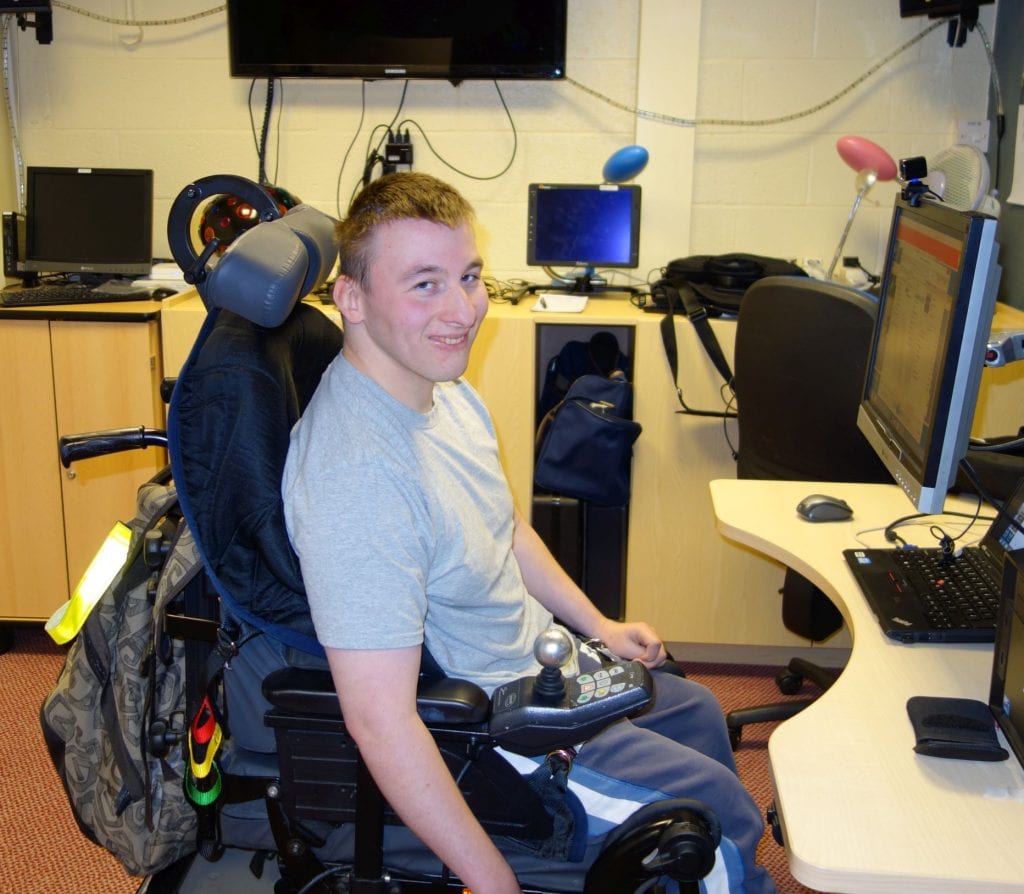
Kevin testing the HeadBanger system at Beaumont College, Lancaster
Here’s a video showing me explaining and using the system to control an MP3 player set up using Sensory Software’s Grid 2:
Here’s a video showing testing at Beaumont College, Lancaster
Please find some screen shots below. The head position moves as you move your head. The targets stay static. When your head moves to a target, a switch is activated. The target positions can be adjused to cater for different ranges of head motion.
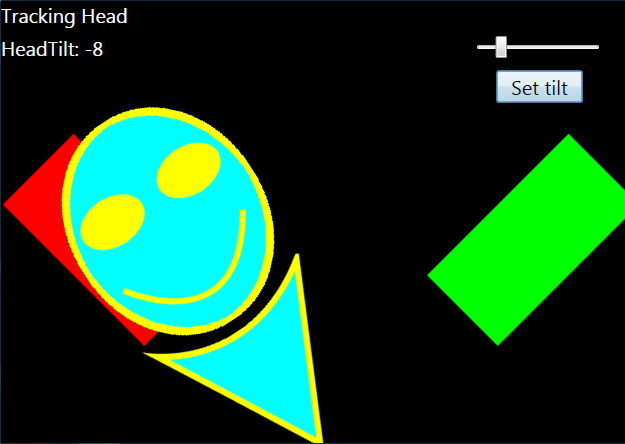
HeadBanger display showing an activated switch
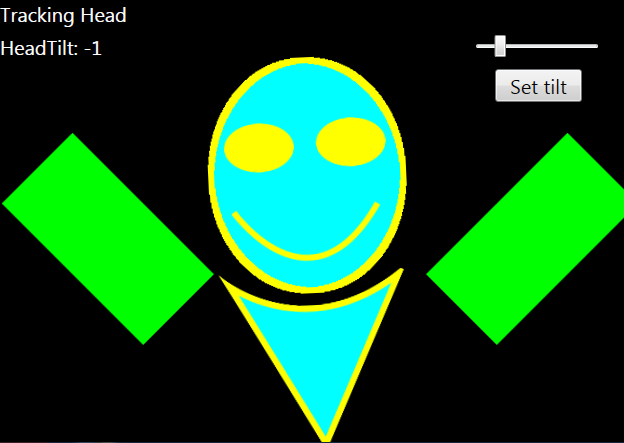
HeadBanger display showing no active controls
The position of the targets can be adjusted to cater for a different ranges of head motion.
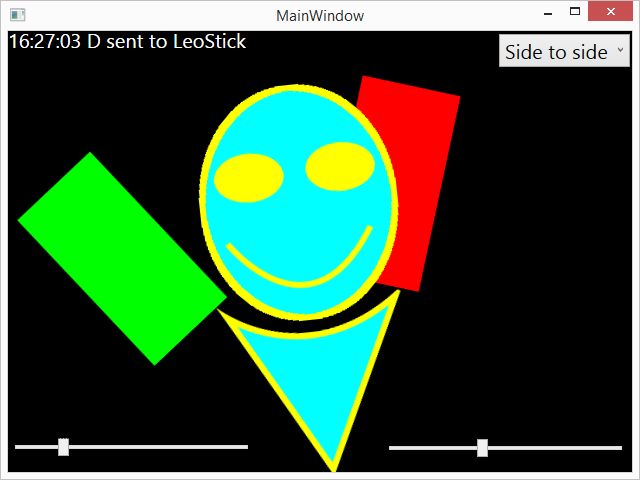
HeadBanger display showing a moved target to cater for a limited range of head motion
Depth Cameras
The depth camera work preceded the webcam system and used a simpler interface for a proof of concept. I published a research paper on the Asus Xtion implementation in the Journal of Communication Matters, August 2014 ‘HeadBanger: Tracking Head Position as a Controller’.
Microsoft Kinect controller
I started off with the Microsoft Kinect controller which was marketed by Microsoft as an interactive game controller at the time the project started. I found it a bit bulky and obtrusive so when a smaller depth camera became available I moved to using that. Programming the Kinect using the Microsoft Kinect SDK using the C# programming language was not an easy experience.
Asus Xtion Controller
We used the Asus Xtion Pro Live(basically a miniature version of the Microsoft Kinect depth camera) to set up head tracking.
The picture below shows a happy student interaction with the prototype system during the first phase of testing. The Xtion can be seen on the stand just in front of the laptop and you can just about see the simple music controller grid that was set up for testing. This allows the participant to start, stop and select a track by head movement. The controls can be set in three dimensions, to allow for whatever comfortable head motion the participant can make. For instance, we could put the control in front of the head and have it activated using a nodding motion.
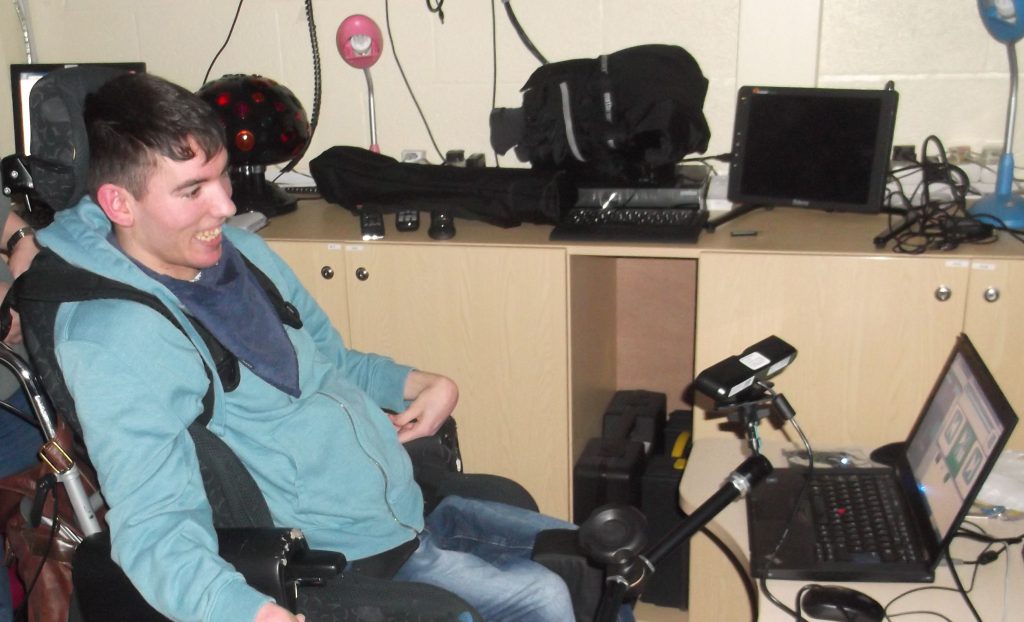
Happy student at Beaumont College, Lancaster, using the Asus Xtion Pro to operate a media player using head gesture.
The images below shows the virtual control software used for initial testing. This was developed by building on example code in Making Things See by Borenstein - which is an excellent book which got me going quickly. The pictures show what the user can see, which is the front view ‘depth point cloud’ - the student is the yellow guy in the middle. The positions of the two ‘hotboxes’ can be changed using the three slider bars above each one. The image on the left shows that the student has operated the left hand hotbox. This was programmed to trigger a control in the Sensory Software Grid software that the students use. In this case, to operate a music player or to turn on a network enabled light.
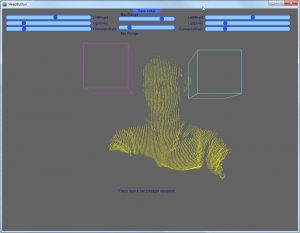
Head in center, no hotbox active.
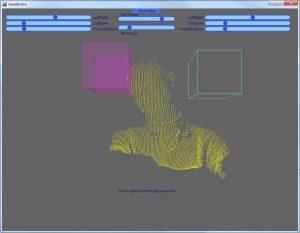
Head activating the hotbox on the left of the screen, on the user's right.
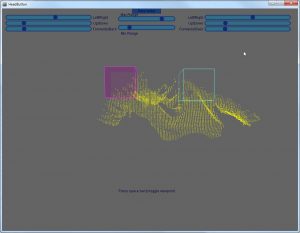
Top view, showing the hotbox on the left of the screen activated by the student's head.
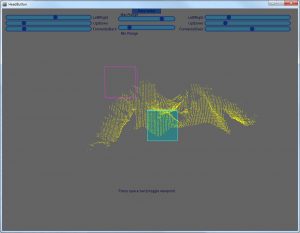
Hotbox placed in front of the student's head, so that a nodding motion can activate it.
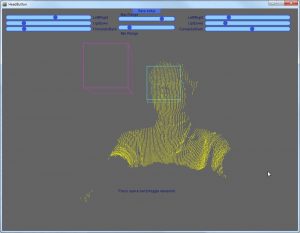
Front view, showing a hotbox in front of the student's head.
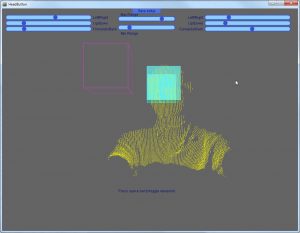
A hotbox placed in front of the student's head being activated by the student.
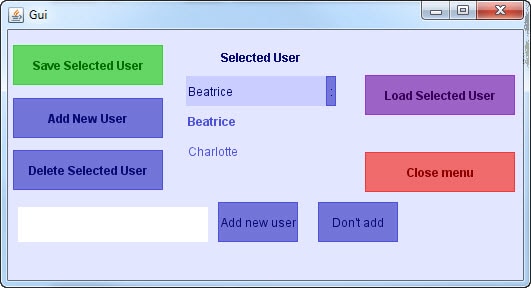
GUI to save user settings for hotbox positions.
With thanks for the continuing support of the team at Beaumont College, the Technologists Rohan, Zak, Trevor and Steve and the OT department run by Rachel.
Comments